

Developer view and system areas in the bluetronix CMS
With a developer access, you gain access to additional features, system folders, database tables, and source areas of the bluetronix CMS. In this tutorial, you will learn which areas are available and how to separate your own extensions from the system files in an updatable manner.
Additional features with developer access
With developer access, additional features are available in the bluetronix CMS that are not visible in the normal user view.
This includes additional developer folders in file management, access to the PHP code of pages, additional developer database tables, as well as system scripts, layout templates, and modules.
Edit PHP code of pages
In the normal CMS view, you can edit the HTML code of a page. With developer access, the PHP Code button is also available to you.
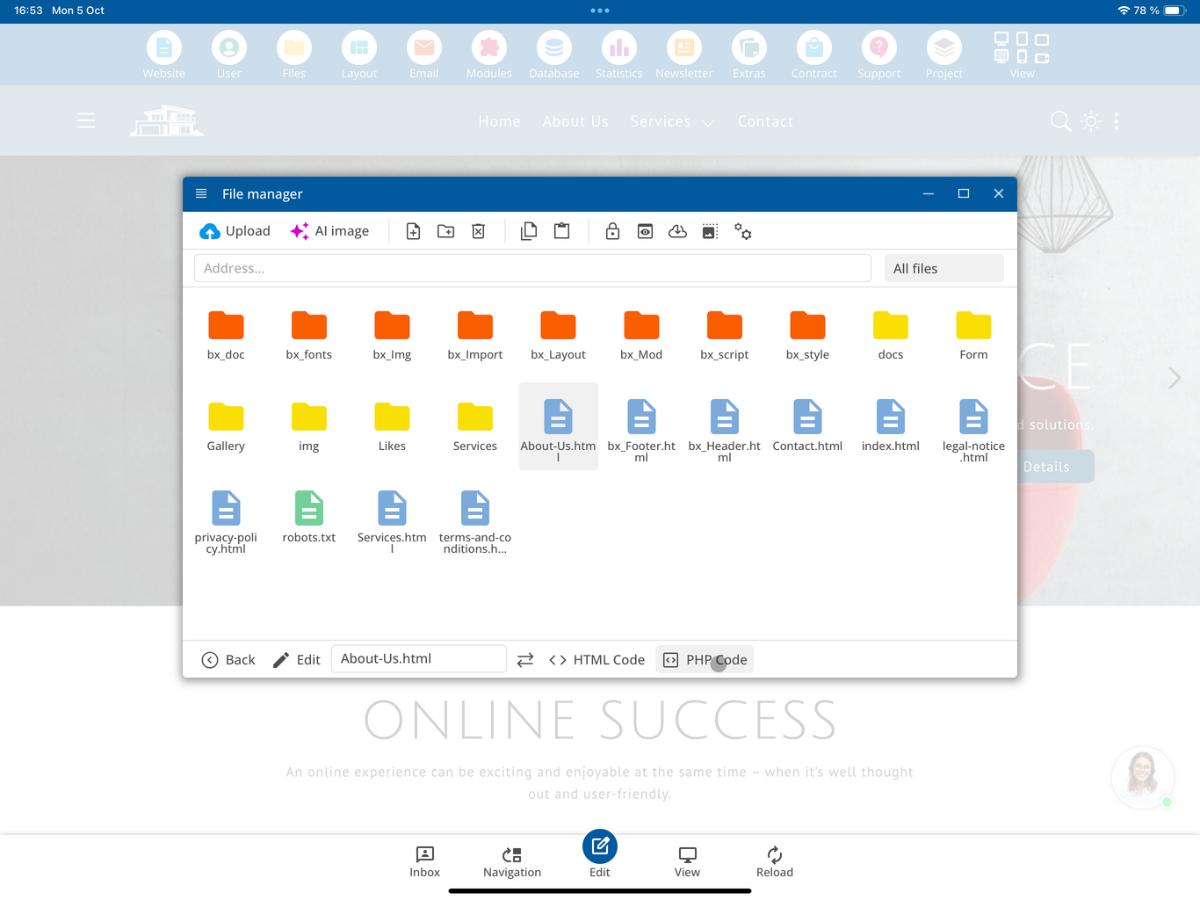
This allows you to add your own PHP code to a CMS page, for example for database queries, dynamic content, replacements within $LayoutHTML, CMS functions, or your own PHP functions.
Additional database tables
With developer access, additional system tables are displayed in the database management. These include, for example, tables for layouts, page management, system configurations, and other internal CMS functions.
These developer and system tables are highlighted in red within the database management.
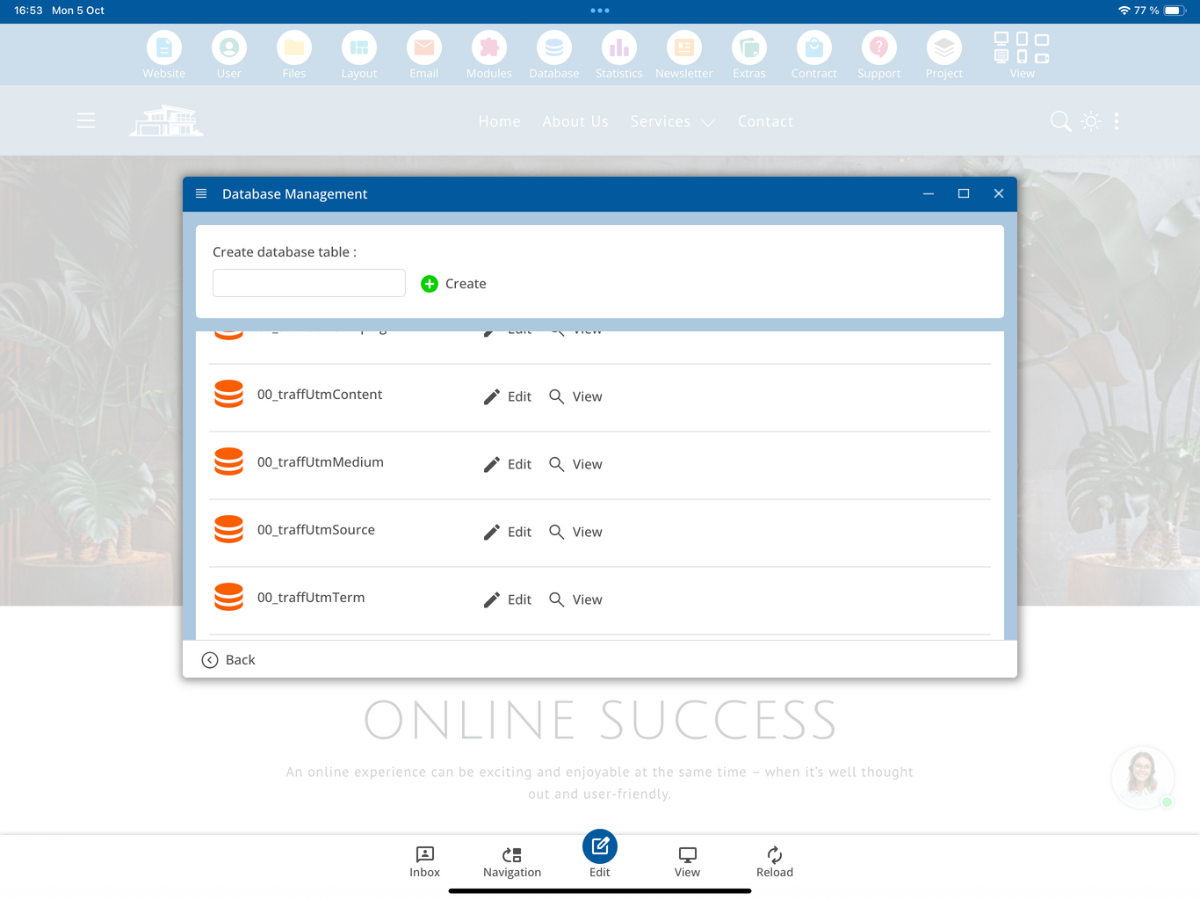
The structure of the red-marked developer database tables must not be altered. You may not delete, add, or rename columns, change data types, or modify system structures there. These tables can be updated or replaced during a system update.
Developer folders in file management
With developer access, additional system folders are visible within file management. These developer folders are displayed in red and generally begin with bx_.
The most important folders include bx_doc, bx_fonts, bx_Image, bx_Import, bx_Layout, bx_Mod, bx_script, and bx_style.
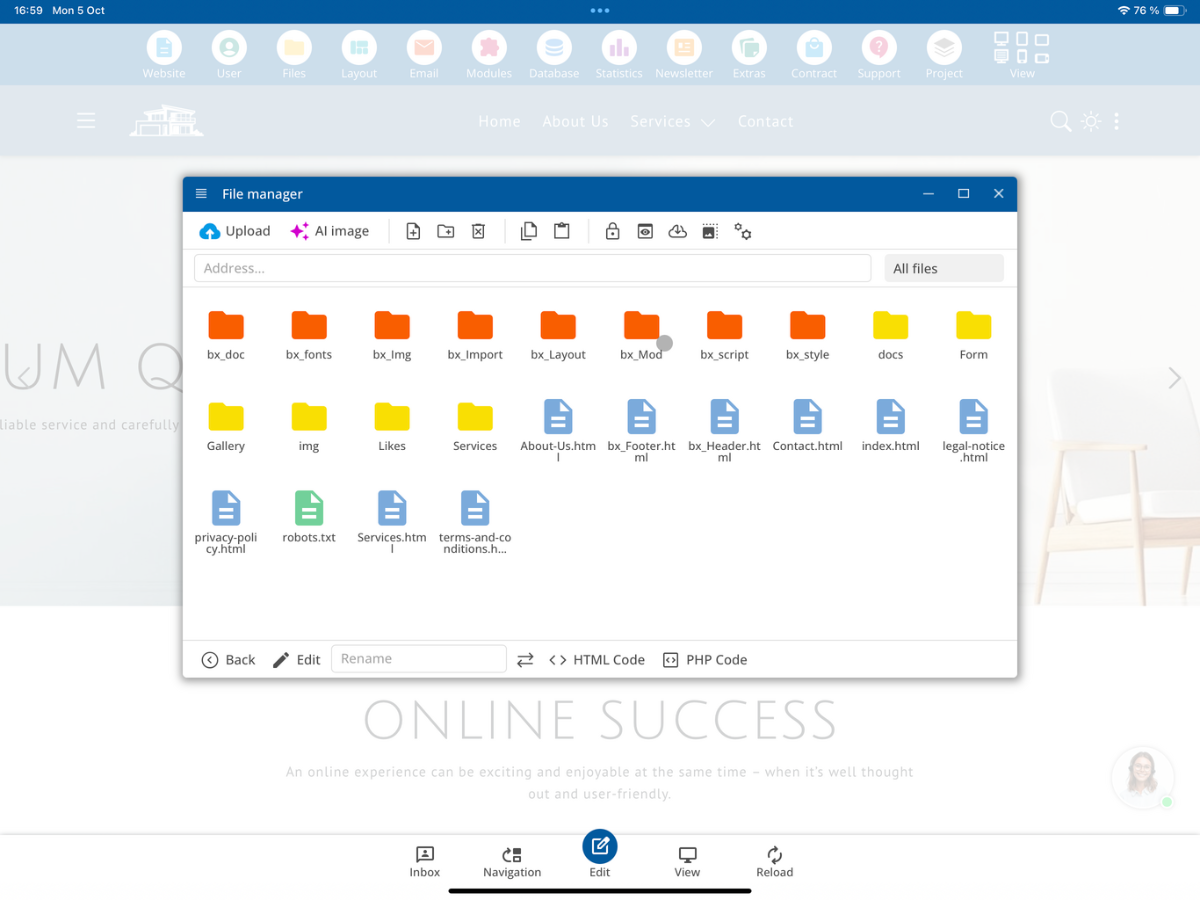
bx_doc
The bx_doc folder contains pre-installed sample files and documents. This could include, for example, PDF documents used within sample pages or templates.
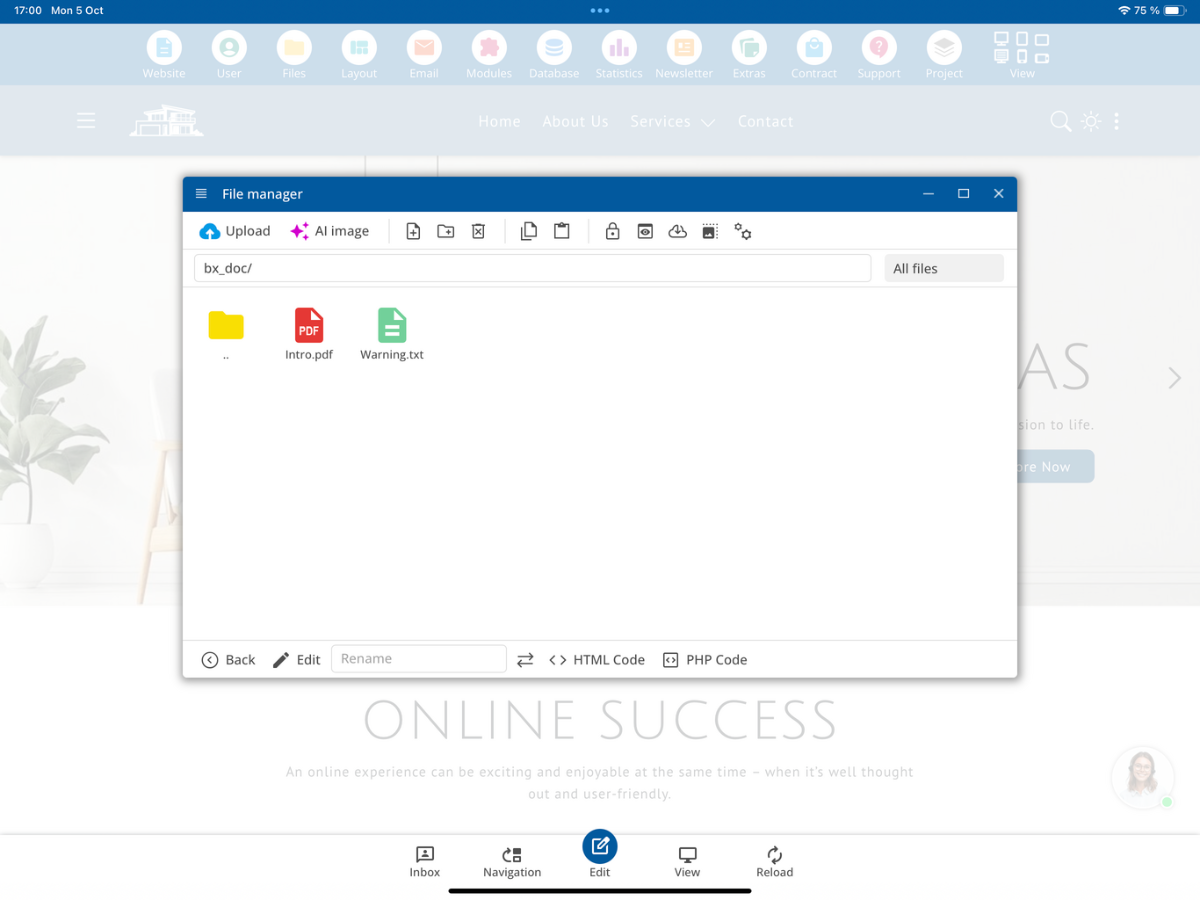
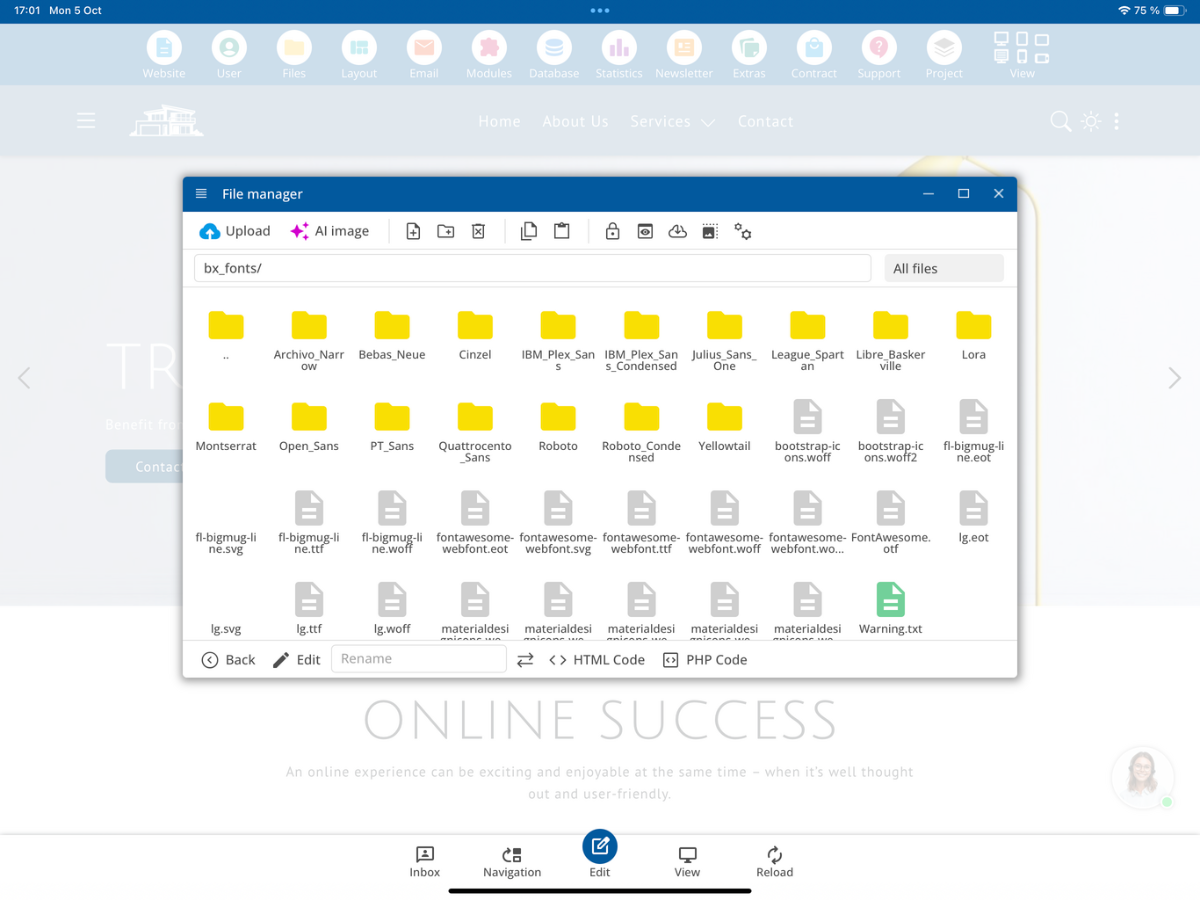
bx_fonts
The bx_fonts folder contains the fonts provided or installed by the bluetronix CMS. These fonts can be used within the various designs and layouts of the CMS.
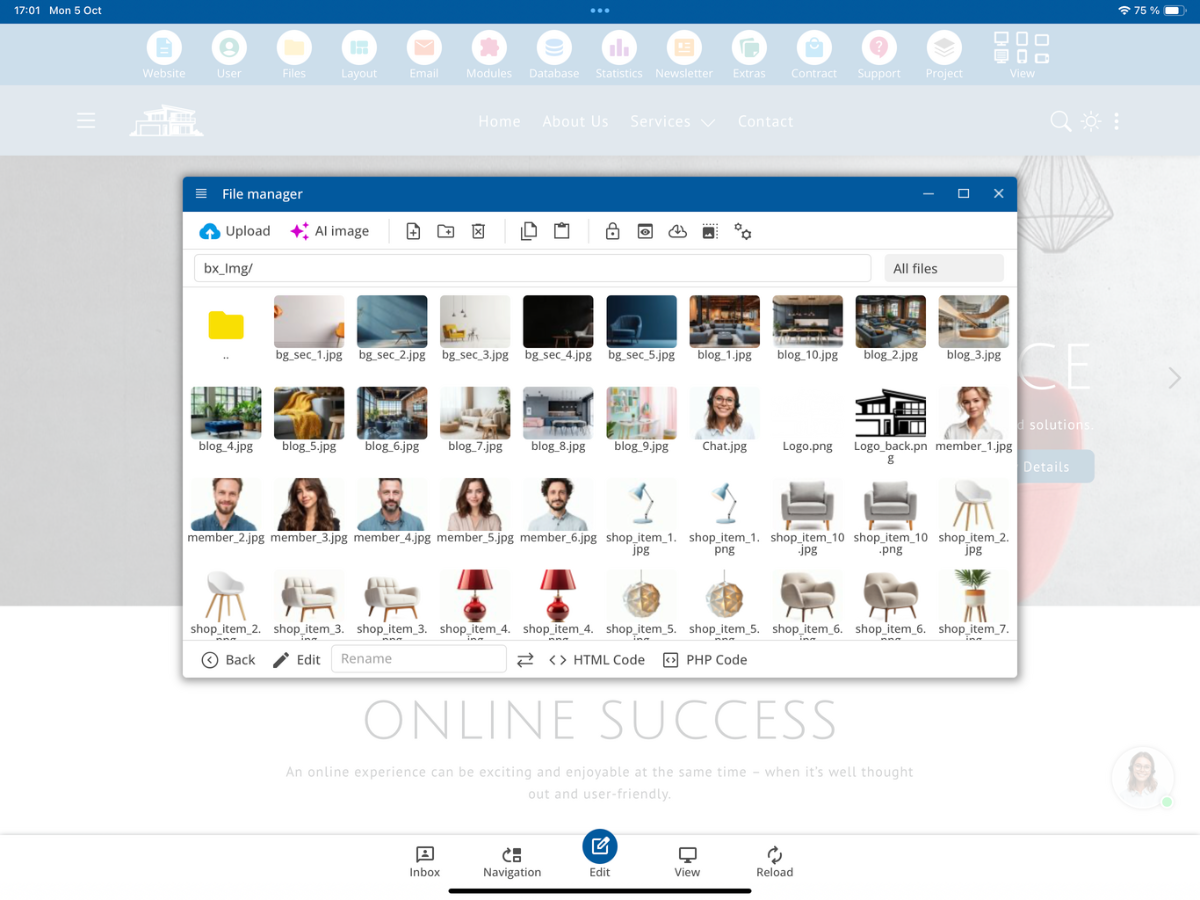
bx_Img
The bx_Img folder contains the standard images of the currently used theme or theme image set.
As a developer, you can choose a different theme image set. The different theme image sets use the same defined file names, thereby functioning as a uniform template. The HTML structure does not need to be changed when switching a theme image set.
bx_Import
The bx_Import folder is used to import external websites. For example, Bootstrap-5 websites can be prepared for import and placed in this area. The files are then analyzed and incorporated into the structure of the bluetronix CMS.
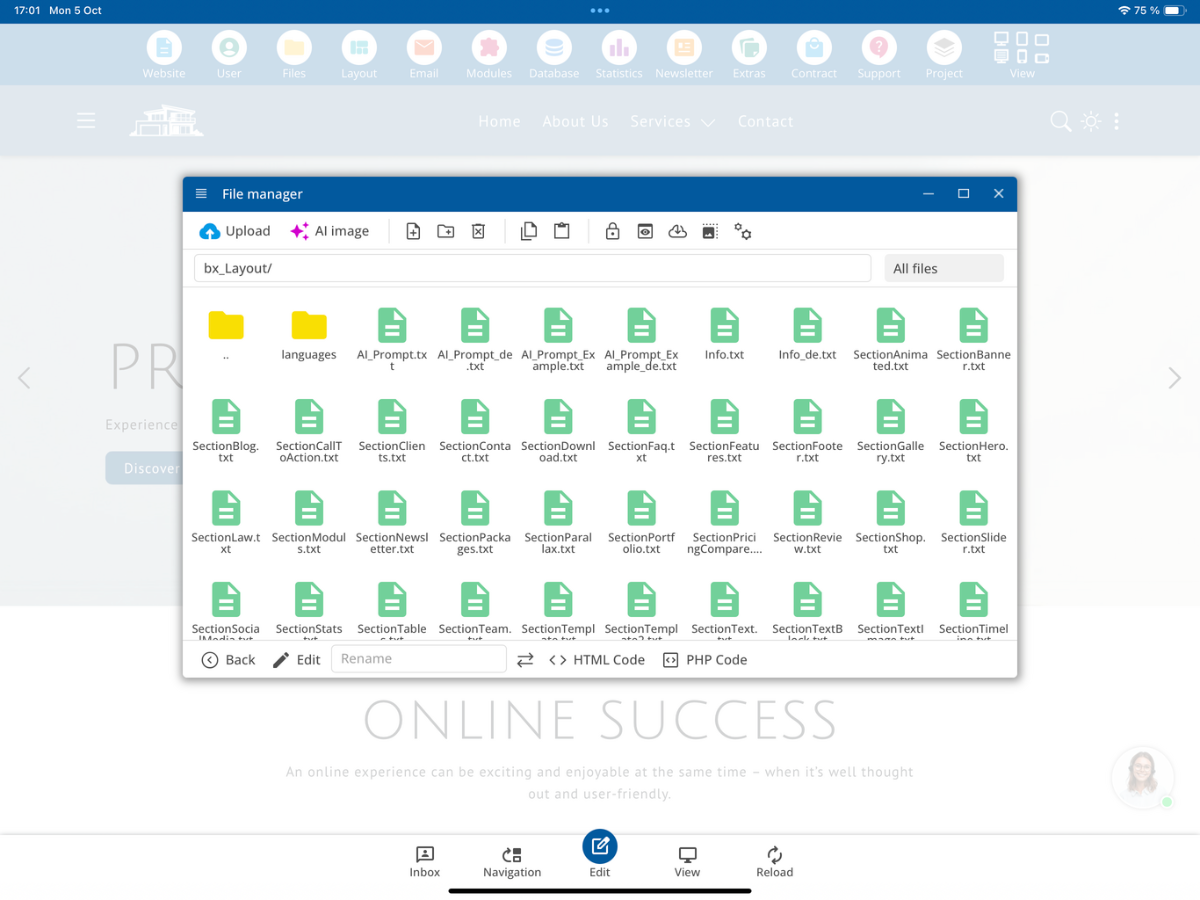
bx_Layout
The bx_Layout folder contains the page and section templates of the CMS. These templates are subsequently available to the user, for example via Insert → Page Section.
As a developer, you can create your own templates for hero sections, text areas, product areas, contact areas, teaser elements, and other custom page sections. The end customer can then insert these elements using the normal editor without having to code HTML themselves.
bx_script
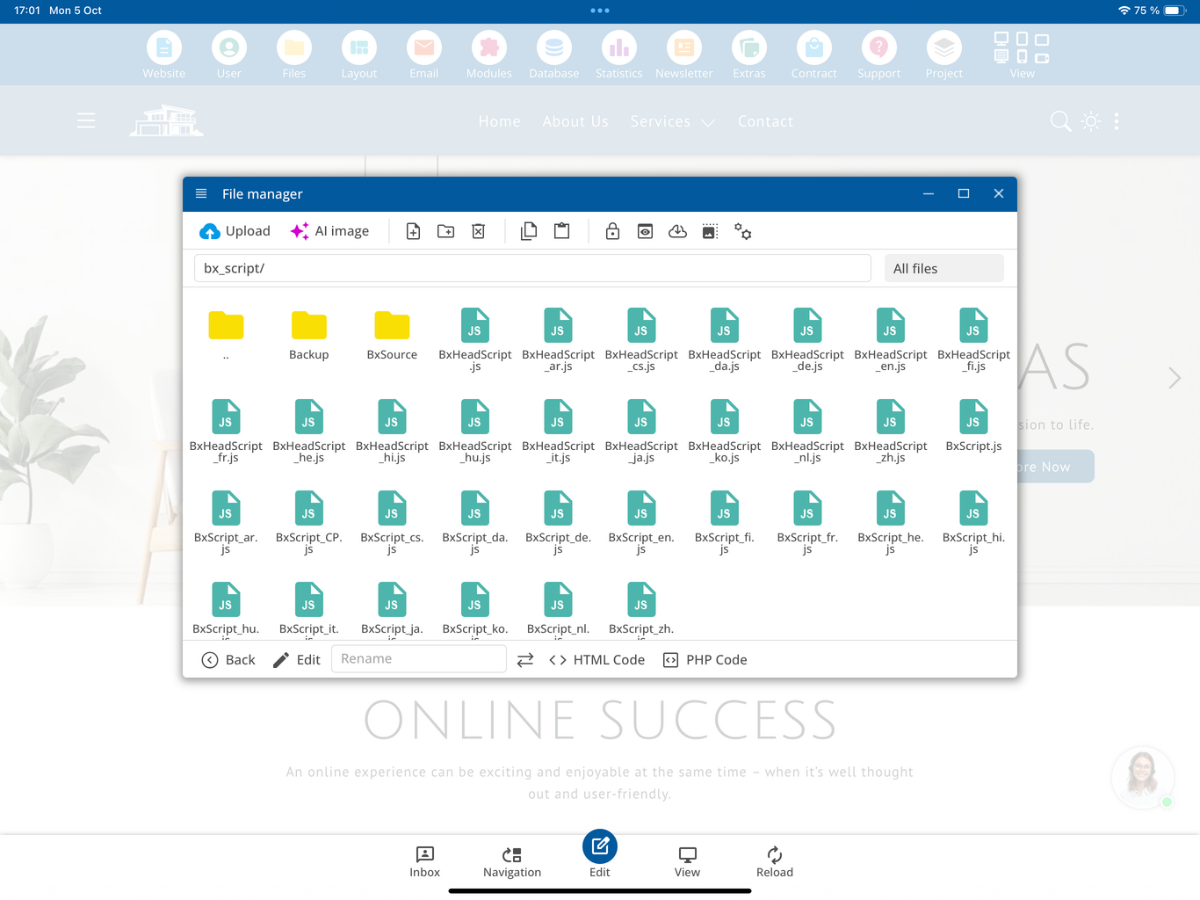
The bx_script folder contains the JavaScript files provided by the bluetronix CMS. This includes, among others, BxHeadScript.js and BxScript.js.
Depending on the activated languages, additional language-dependent versions can be generated, such as BxScript_en.js, BxScript_de.js, or BxScript_fr.js.
Within the script folder, there is also a source directory. There, individual source files or components from which the later used main files are generated are located.
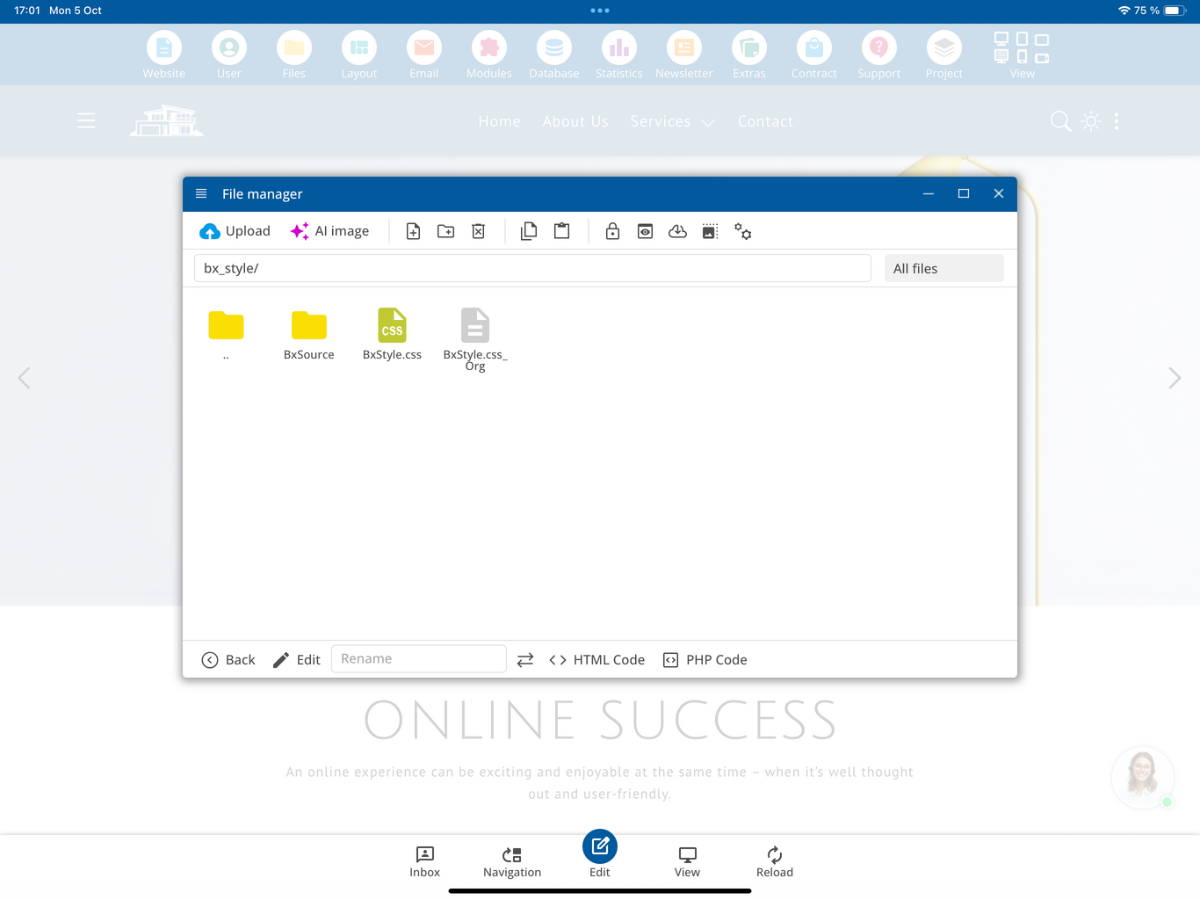
bx_style
Similar to bx_Script, bx_style contains the central styles of the bluetronix CMS. Among other things, the stylesheet files used by the system are generated from this. Source files may also be present here, from which the final CSS files are composed.
System folders and updates
Red-marked bx_ system folders belong to the bluetronix CMS and can be completely or partially overwritten during a system update. Therefore, your own changes must not be saved directly in the normal system files.
Your own files within the system areas must be marked with _own. This marking signals to the bluetronix CMS that it is a project-specific file.
Examples include config_own.php, MyScript_own.js, MyStyle_own.css, or MyTemplate_own.txt. The file extension does not matter in this case. What matters is the marking _own in the file name.
Therefore, always create your own customizations as _own files within the red system folders. This way, these custom files will also be retained during an update of the bluetronix CMS.
Do not modify system files directly
You should not directly edit an existing system file. Use it as a template if necessary, copy it, mark the copy with _own, and then make your own customizations in this file.
bx_Mod
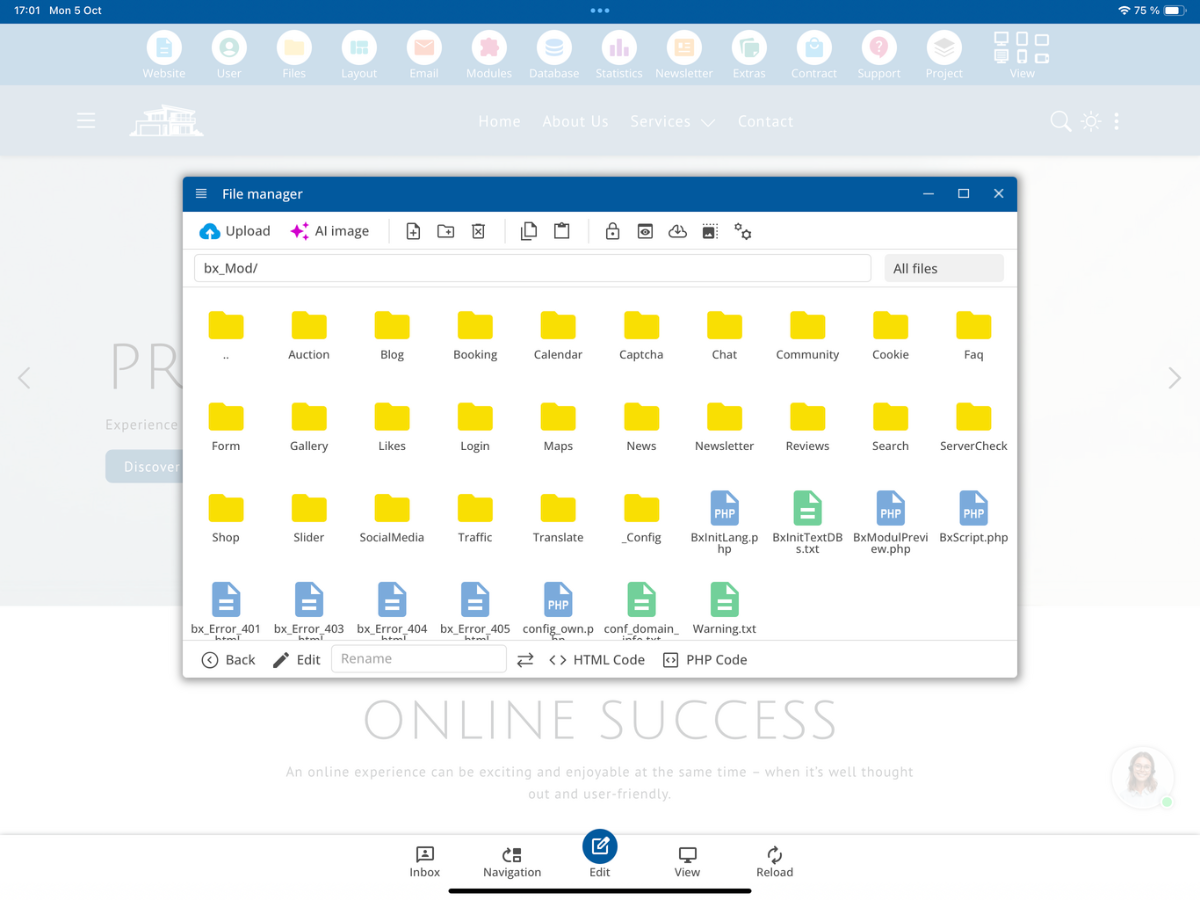
The bx_Mod folder contains the modules of the bluetronix CMS. These may include, for example, blog, shop, search, login, and other CMS modules.
A module can contain various files and areas, such as configurations, lists, detail views, PHP scripts, and other module files.
Adjust module files
Also for module files: The original system file should not be modified directly. You can display, read, use it as a basis, and copy it. For your own version, create a copy with _own and make your changes there.
The most important rules for developers
1. Do not structurally change the database tables marked in red.
2. Red-marked bx_ system folders can be overwritten during updates.
3. Do not change system files directly for your own customizations.
4. Always label your own files within the system areas with _own.
5. System files can be read and copied as templates.
6. Make your customizations within the _own file.
Summary
The developer access expands the bluetronix CMS with additional functions and system areas such as PHP code, developer database tables, bx_ system folders, modules, scripts, styles, and layout templates.
It is particularly important to maintain the separation between system files and your own extensions. Use original system files as templates, and create your customizations as _own files.
FAQ
what customers often ask us
What additional features do I get with developer access?
You will have access to additional developer folders, the PHP code of pages, additional system tables, as well as system scripts, layout templates, and modules.
Where can I place my own PHP code for a page?
With developer access, the PHP Code button is additionally available on a CMS page.
Can I structurally change the database tables marked in red?
The structure of these developer and system tables must not be changed. You should not delete, add, or rename columns, nor adjust data types or system structures.
How do I recognize the developer folders?
The developer folders are displayed in red in the file management and generally start with bx_.
What is the purpose of bx_Layout?
In bx_Layout, there are page and section templates of the CMS. As a developer, you can provide your own templates there, which the end customer can later select via Insert → Page Section.
Why should I not change system files directly?
System files and system folders can be overwritten during an update of the bluetronix CMS. Direct changes could be lost as a result.
How do I create my own files that are updateable?
You label your own files within the system areas in the filename with _own, for example MyScript_own.js or MyStyle_own.css.
Can I use existing system files as templates?
Yes. You can view a system file and use it as a basis. For your own customizations, you should copy it, label the copy with _own, and then edit only this own file.