

Manage multiple website projects with the bluetronix app
This tutorial shows you step by step how to manage multiple website projects in the bluetronix app – from setting up new projects to easily switching between clients or languages.
Managing multiple projects in the bluetronix app
In this tutorial, you will learn how to easily create and manage multiple projects using the bluetronix app.
To start a new project, click on Project ⯈ New Project. Now you can create a new project. A project always represents a complete website – for example, your own online shop.
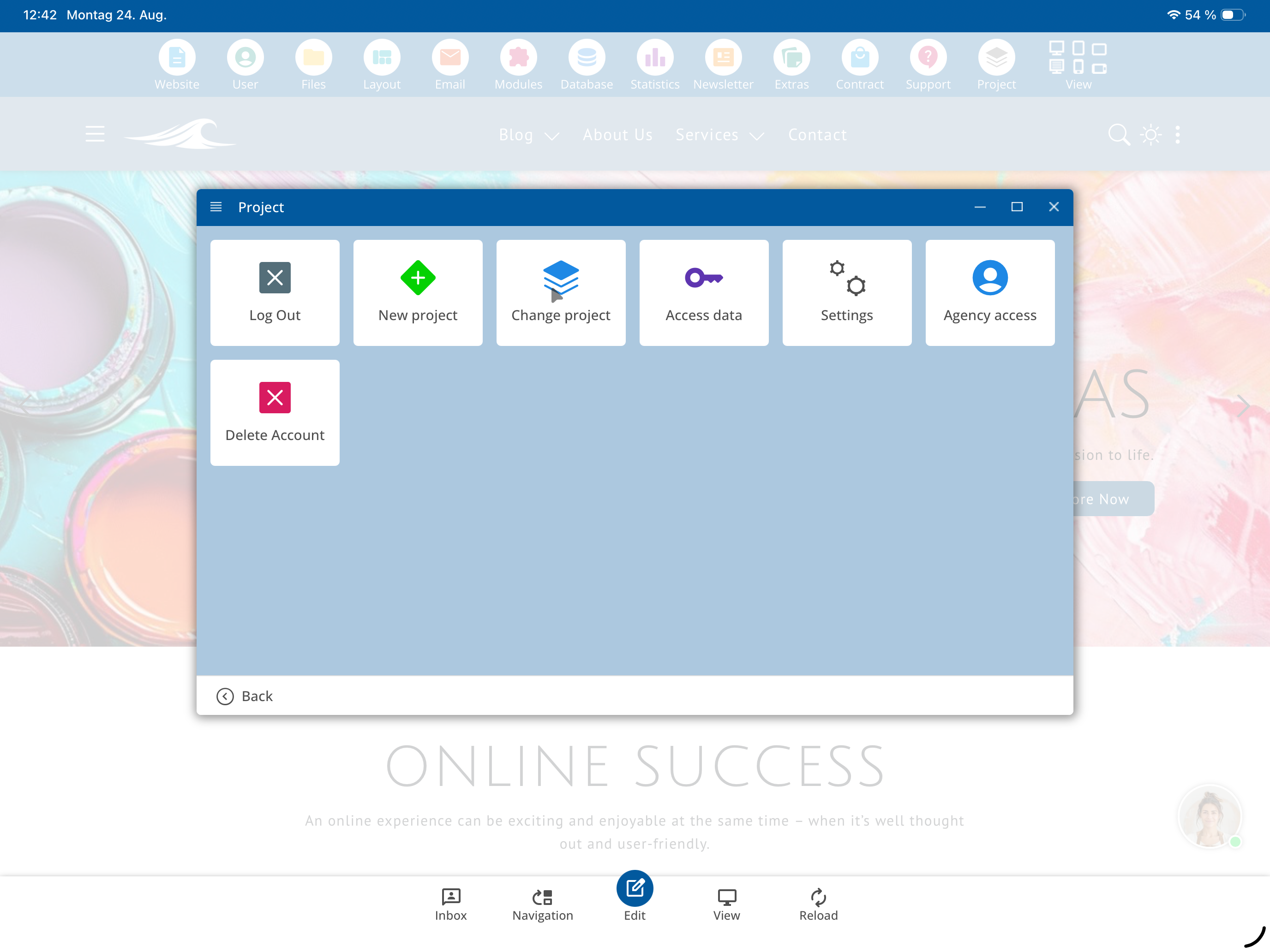
If you work as a web developer, web designer, or agency, you may have multiple client projects. Each of these projects represents its own website. You can manage as many of them as you like via the app.
To add another project, choose Project ⯈ New Project or – if you want to incorporate an existing project – tap on Existing Project.
Below, you can adjust the default language of your project if needed.
Next, enter your domain in the Access Data section. It’s sufficient to enter only the part before bxserver – the rest will be automatically completed.
Then enter your username and your password.
If your password is incorrect or you have forgotten it, simply use the Forgot Password function at the bottom.
After adding, you are directly in your new project. At the top, you can switch between multiple projects using Project Change.
Through Project Management, you can create, manage, and quickly switch between as many web projects as you like.
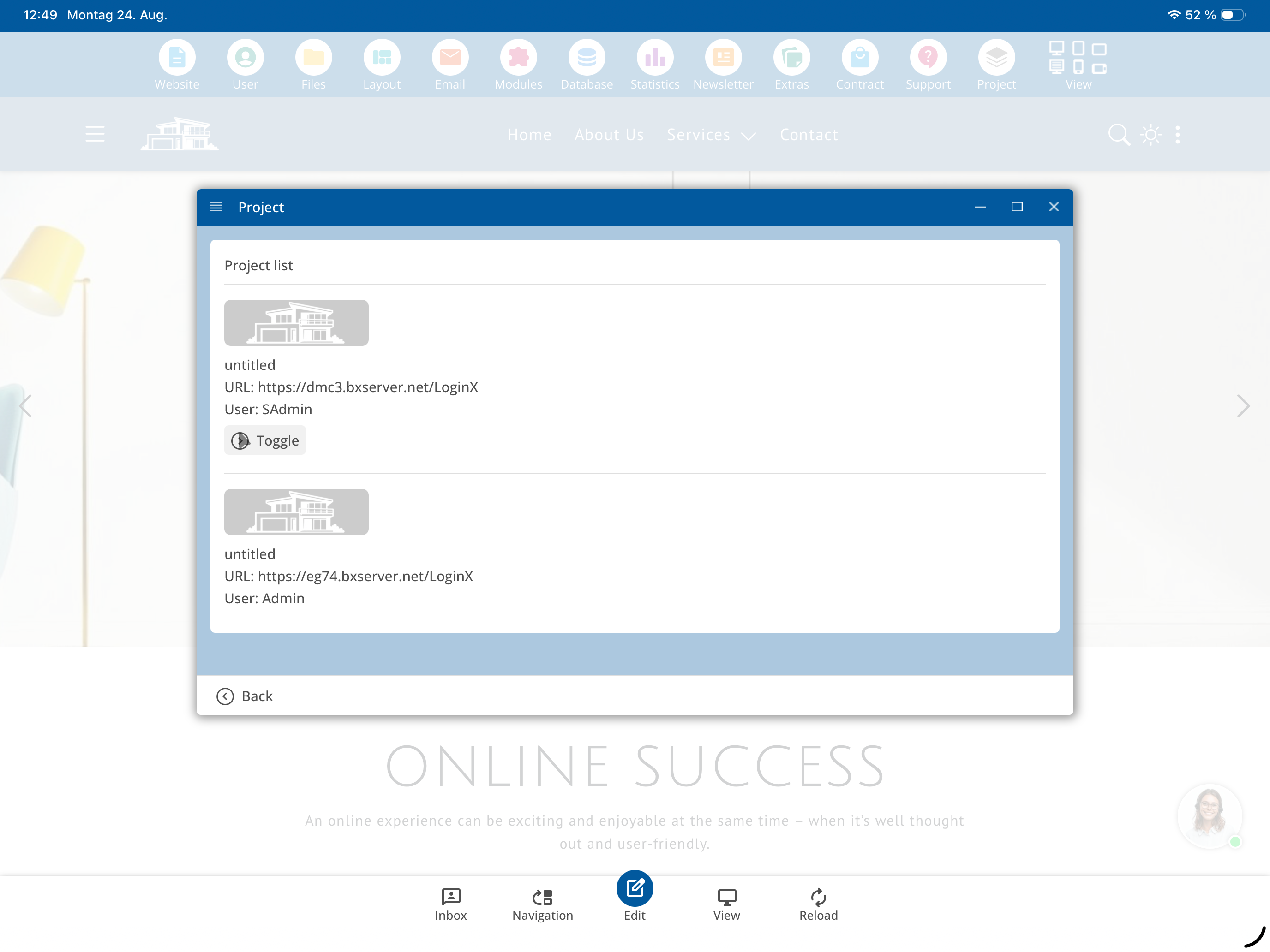
If you have reseller status, you can run multiple packages simultaneously during development. The other packages will still incur charges.
FAQ
what customers often ask us
How can I create a new project in the bluetronix app?
Click on Project ⯈ New Project in the app. Then you can enter all important data and create your new project.
What does a "project" mean in the bluetronix app?
A project is a complete website – such as an online shop, a company homepage, or a client website. If you manage multiple clients, you can create a separate project for each and manage them individually.
Can I also add existing projects?
Yes. If you already have a project, simply tap on Existing Project. There, you can enter your domain, username, and password in the credentials section to add the project.
How do I enter the domain correctly?
In the domain field, enter only the part before bxserver. The rest will be automatically recognized and completed – you don’t need to adjust anything else.
What do I do if I forgot my password?
Simply use the Forgot Password function at the bottom of the login area. You will then receive a chance to reset your password and log in again.
How can I switch between multiple projects?
At the top of the app, you will find the option Change Project under Project . This allows you to quickly switch between your projects.
How many projects can I manage at the same time?
You can create and manage as many projects as you like in the bluetronix app. This applies to both your own and client projects.